From Hand-Drawn Sketch to 3D Furniture Render in 60 Seconds
From pencil to photorealistic render in 60 seconds. A complete guide to the furniture visualization process in MiKiNO - step by step.
Why Furniture Visualization Matters
In the world of custom furniture, every piece is unique. Unlike mass-produced furniture from retail stores where customers can see and touch the product, custom furniture exists only as an idea - until it's built. This is exactly where visualization steps in.
MiKiNO transforms your sketches into photorealistic visualizations in under 60 seconds. No complex 3D software, no hours of learning. Just upload a sketch, choose materials, and let AI do the rest.
Step 1: Upload Your Sketch
Everything starts with a simple sketch. It doesn't need to be perfect - a pencil on paper, a tablet drawing, or even a photo of existing furniture you want to modify. MiKiNO AI understands context and works with varying input quality.
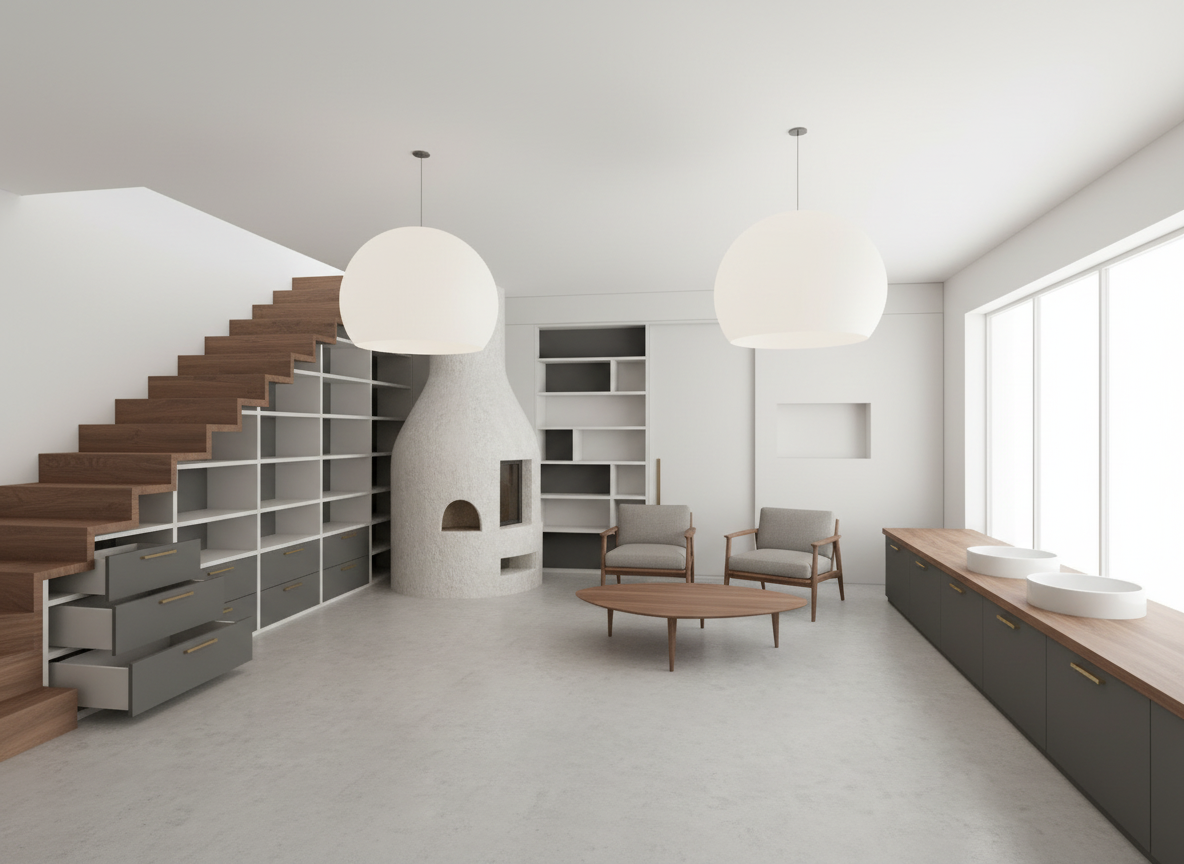
Tips for Better Results
- Maintain proportions - AI understands the sketch better when proportions are roughly correct
- Mark key lines - doors, drawers, shelves, countertops
- Good photo lighting - if photographing a paper sketch, ensure even lighting
Step 2: Choose Materials and Style
After uploading the sketch, it's time to select materials. MiKiNO offers a wide range of wood types, finishes, colors, and styles. Want an oak kitchen in Scandinavian style? A walnut dining table in modern design? Just a few clicks away.
Material selection in visualization isn't just about aesthetics - it helps the client understand how the furniture will match their existing interior.
Step 3: Generate and Share
Press the button and AI creates a photorealistic visualization. The entire process takes less than 60 seconds. You can immediately share the result with your client - export as PDF, send via email, or simply show it on your phone.
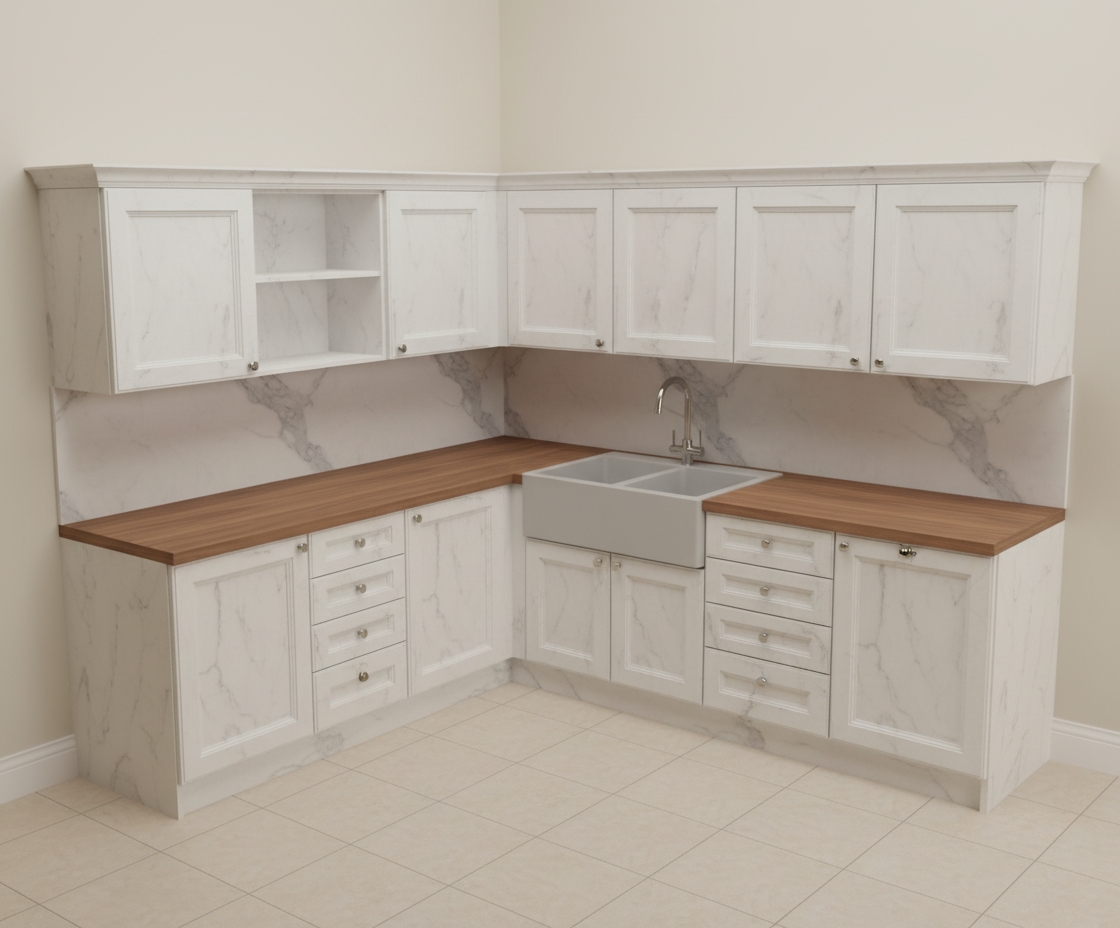
What You Can Do With Your Visualization
- Save to project - organize visualizations by clients and orders
- Create alternative views - show furniture from different angles
- Export price quotes - visualization + pricing in a single PDF
- Upscale to HD - increase resolution for print or large presentations
Who Is MiKiNO For
MiKiNO isn't just for carpentry workshops. Interior designers, architects, furniture retailers, kitchen studios, and anyone who needs to quickly and professionally present a furniture concept can benefit.
Try It Yourself
Registration is free and so are your first visualizations. No credit card, no commitments. Sign up and have your first visualization done in under a minute.